AI game makers compared
The best AI game maker depends on whether you need a hosted game, a visual engine or editable files in your own folder.
Sources read 20 November 2026. Prices below use monthly billing unless stated. We publish the Claude Game Studio kit; this comparison covers documented workflows and our own builds.
| Maker and paid price | What you make | Files and selling |
|---|---|---|
| Rosebud$15 / $30 / $50 / $100 a month | Browser-built and hosted games | Code download on Pro ($50/month) and above Commercial rights on 10x Dev ($30/month) and above |
| SeeleUS$20 / $100 / $200 a month | Prompt or image to game, with Unreal Engine generation listed | Project downloads from Standard Pro lists in-game and marketing rights for its assets |
| Summer Engine$20 / $60 / $200 a month | Downloaded game editor with hosted AI | Editor can export games Confirm the terms for your assets and release |
| AstrocadeNo numeric subscription tariff on the public pages read | Games created and played on Astrocade | Check off-platform permission before choosing Terms §7 restricts service use to personal, noncommercial use |
| MakkoUse the live plan selector for a current quote | 2D art, sprite animation and browser games | Check the chosen plan's distribution export Pricing FAQ permits commercial release; no royalties |
| Claude Game Studio$29 a year, plus Claude access | Kit for building browser games in Claude Code | Game files in your own project folder Keep your games; follow each included asset's licence |
Choose by the project you need
A game to share by link
A hosted maker suits a first experiment when you want the editor and playable page together. Rosebud manages hosting, while Makko combines a game with its 2D art workflow. Check the export plan before making your whole project there. A share link and a downloaded project solve different needs: the link is convenient for players; the project lets you continue development elsewhere.
A project to keep developing
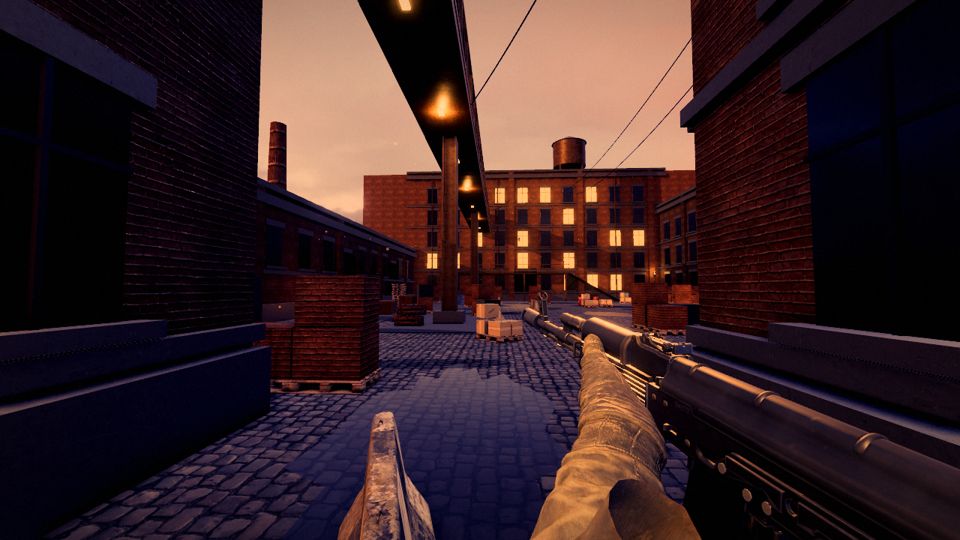
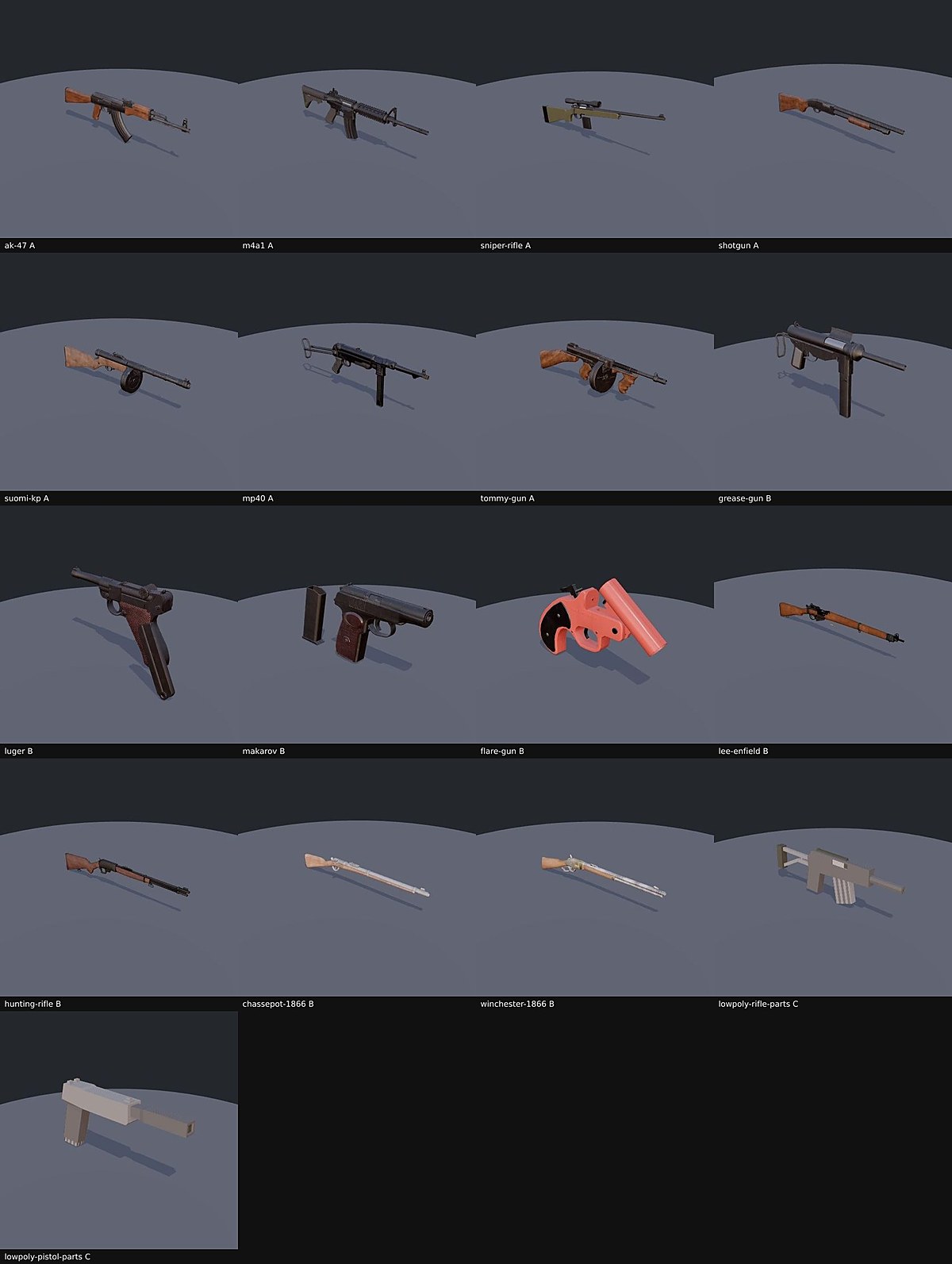
Choose the target environment first. Summer provides an editor; Seele advertises engine-project output on its product page. For a browser game you want Claude Code to edit directly, the kit supplies ten starting games and an asset workflow. Keep one round as a portable milestone before adding online services or a larger world.
Budget for the result you keep
Write down three costs before choosing: the product plan, the AI work you expect to use and the services needed to run the finished game. Monthly credits do not tell you how many complete games you will finish. A long edit can cost more than a short one, and a visual change may require several attempts. Keep the first project small enough to test that loop before committing to a larger production.
For one measured example, Last Firing's initial kit build took 40.5 minutes and $6.47 at its recorded model prices. The first-year kit plus that run totals $35.47. Your Claude plan determines billing; later polish is separate. A subscription price and a single initial run describe different costs, so use this as a worked example rather than a forecast for a different tool.
Use the same small brief
Ask each candidate for one room, three pickups, a return point, a countdown and restart. Check keyboard controls and phone buttons, then deliberately win and lose. Close and reopen the project, change a pickup position and confirm the saved version changed. Download the files when the plan permits it and try them in the environment you intend to use. That short trial tells you more about the fit than a large feature list.
For a commercial project, check whether the plan permits selling, whether generated assets carry separate terms, whether privacy changes when a project is published and whether leaving the subscription changes access to your files. The table links the original product or terms page for each row. Our beginner guide gives you an editable three-pickup game for that exercise.
Play the kit's actual games
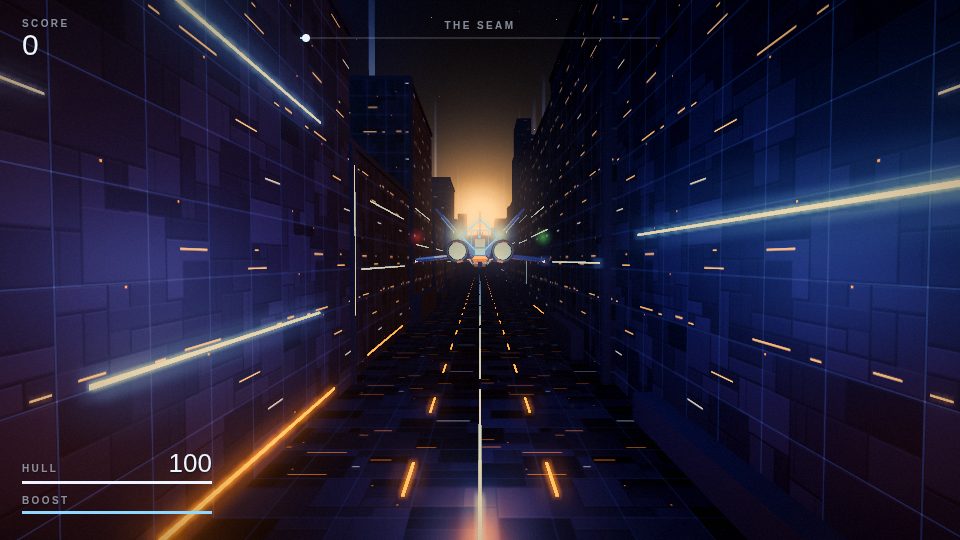
These are the current playable versions. Each number describes that game's initial build; later repairs and art changes are separate.
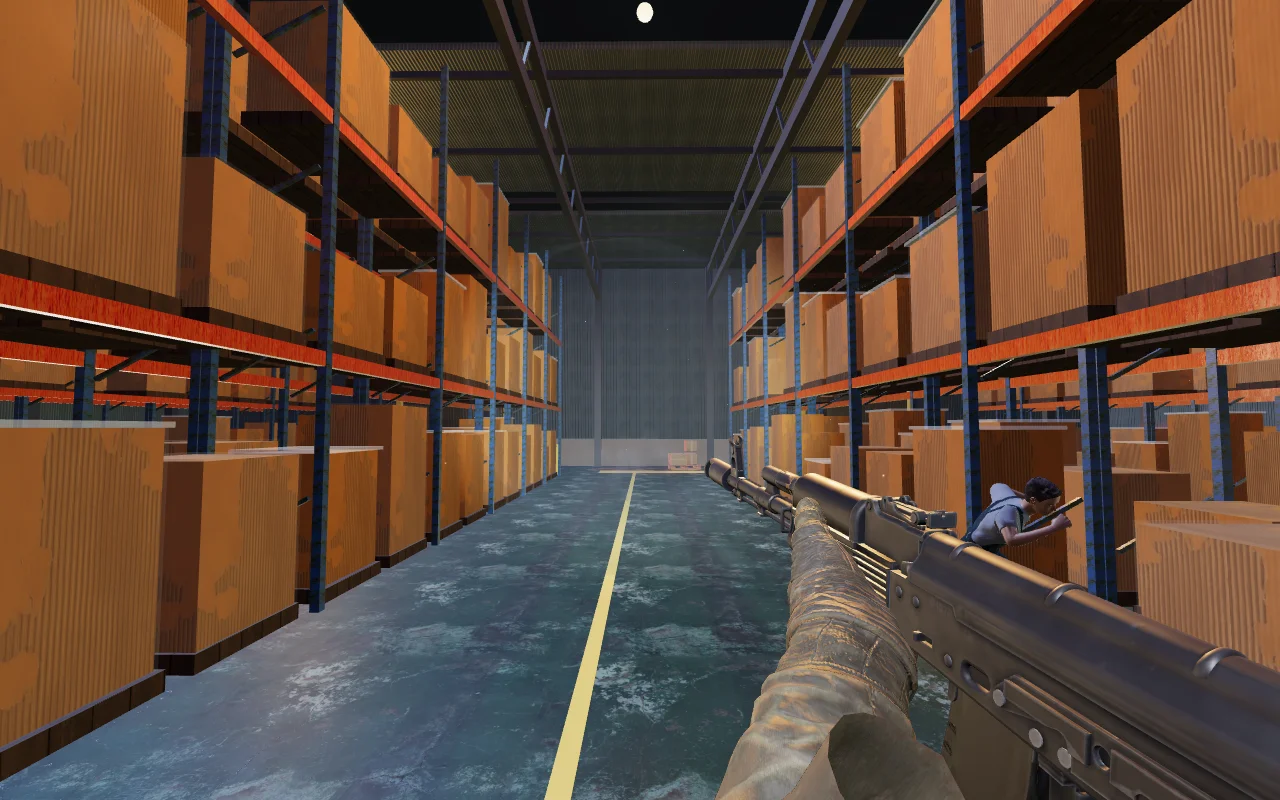
50.6 minutes · $8.54
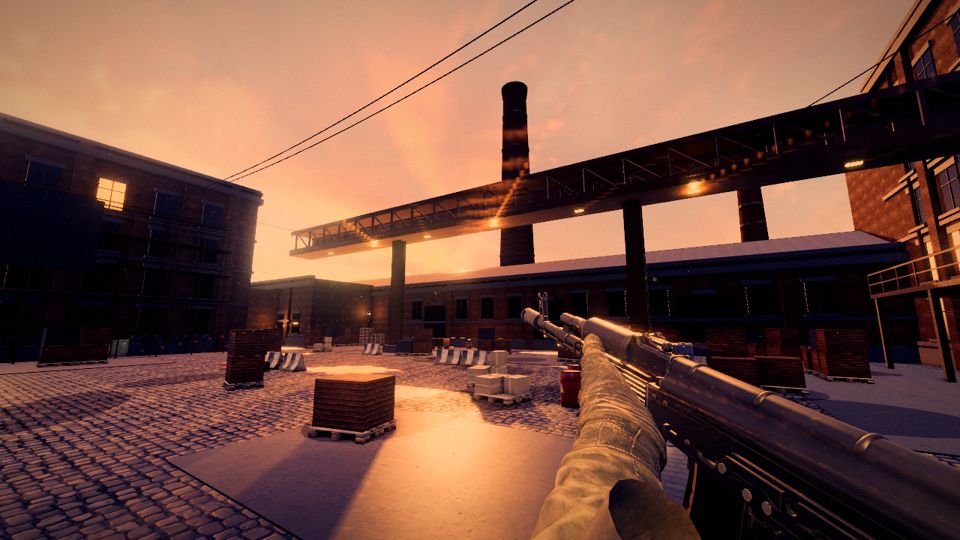
40.5 minutes · $6.47
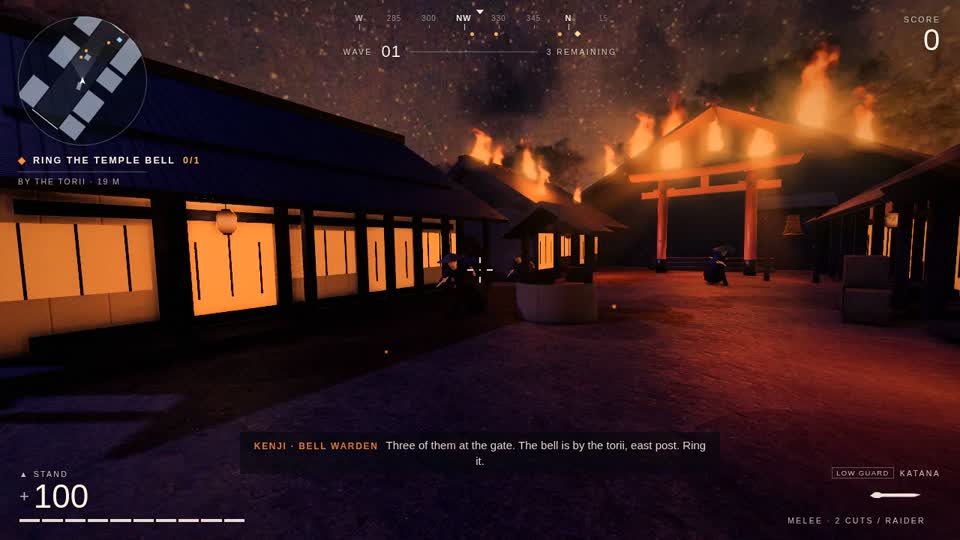
65.3 minutes · $8.05
Questions
What is an AI game maker?
An AI game maker uses your description to create or edit a game. Some include a browser editor and hosting; others run in a downloaded engine or your coding-agent folder. Choose by the playable result and the project files you need to keep.
Which AI game maker should I use?
Choose Rosebud for a hosted browser workflow, Makko for an integrated 2D art workflow, or Summer Engine for a visual engine with hosted AI. Look at Seele when native-engine project delivery matters, and check Astrocade's terms for a personal project. Claude Game Studio fits people already working in Claude Code who want starters, assets and their game files together.
Can AI make a game?
Yes. The three kit games linked here are playable examples with recorded initial build times and costs. An initial build is followed by playtesting, repairs and polish. Use a small first round to check controls, ending states and export before expanding the game.
Can I sell a game made with AI?
Check the specific product plan and every asset's licence before selling. Rosebud lists commercial rights from its $30/month 10x Dev plan; Makko's pricing FAQ permits commercial releases. Astrocade's service terms restrict use to personal, noncommercial purposes. Ownership of your own input does not automatically remove restrictions on a platform or an imported asset.